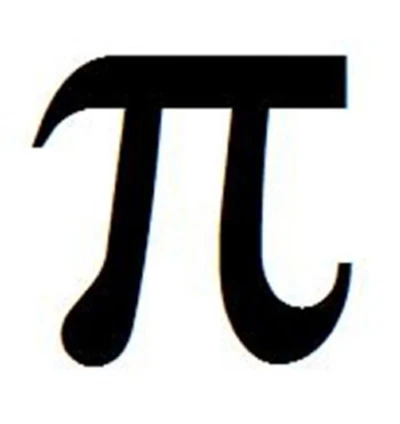
Featured image for Math Mode on Quizalize - Writing equations, fractions or other complex formulas on a computer can be a terribly dull affair. There are a few words with which to describe the equation editor in Microsoft Word, but none are ...
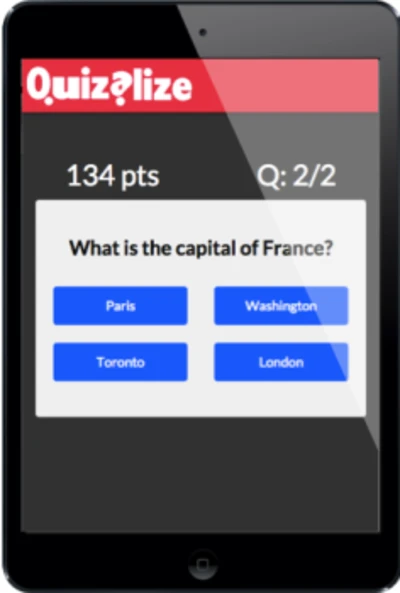
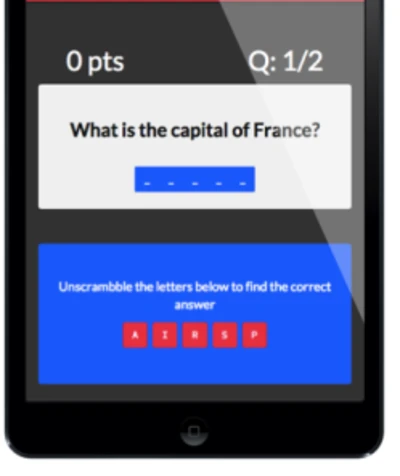
Featured image for Question types in Quizalize - When you create a question with Quizalize you can choose whether to make it multiple choice or not. Multiple choice questions By default if you enter incorrect answers (so called ”distractors”) the...
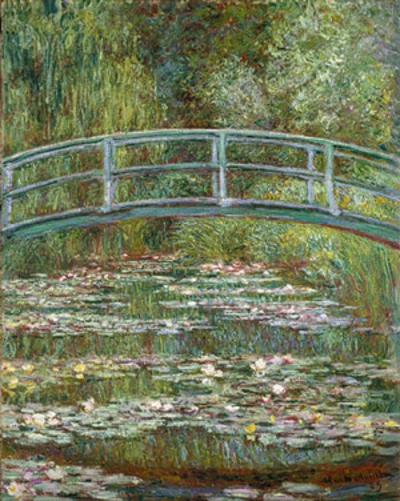
Featured image for Using Images in Quizalize - Your quiz will be much more engaging for students if you use images in the questions with Quizalize . In some cases images might be essential to posing the question, for example when asking “Which ...
Featured image for Super fast quiz creation - There are lots of great features in Quizalize. The quiz creator tool is super fast and lets you create quizzes faster than you can using other applications. In our own tests creating an identical t...
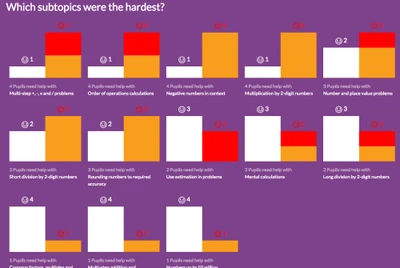
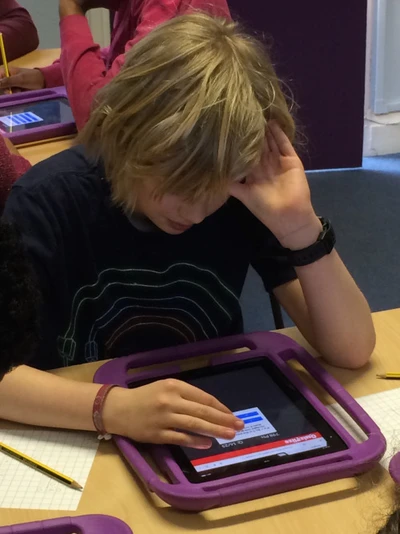
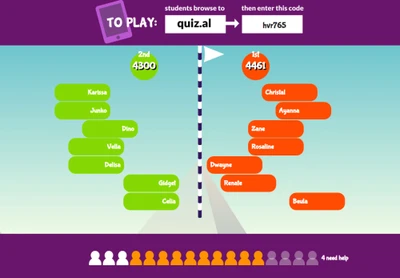
Featured image for Quizalize – Engage students and deliver instant assessments for personalised learning - Quizalize is a brand new classroom tool for teachers to engage students and deliver personalised assessments in the classroom.  It is a fun classroom response system that runs on computers, tablets and mobile phones and uses the electronic whiteboard to show a live leaderboard and other exciting visualisations of classroom activity. It’s similar to applications… Read More »Quizalize – Engage students and deliver instant assessments for personalised learning